
You’ve probably been there: two people on your team send completely different answers to the same customer ten minutes apart. Or worse, both assume the other person is handling it, and the message sits untouched for a full week.
Setting up a general address like info@, sales@, or support@ is standard practice for any real business. Receiving messages is never the problem. The real headache is getting three people to reply without stepping on each other's toes or losing their minds.
The shared password shortcut and why it breaks
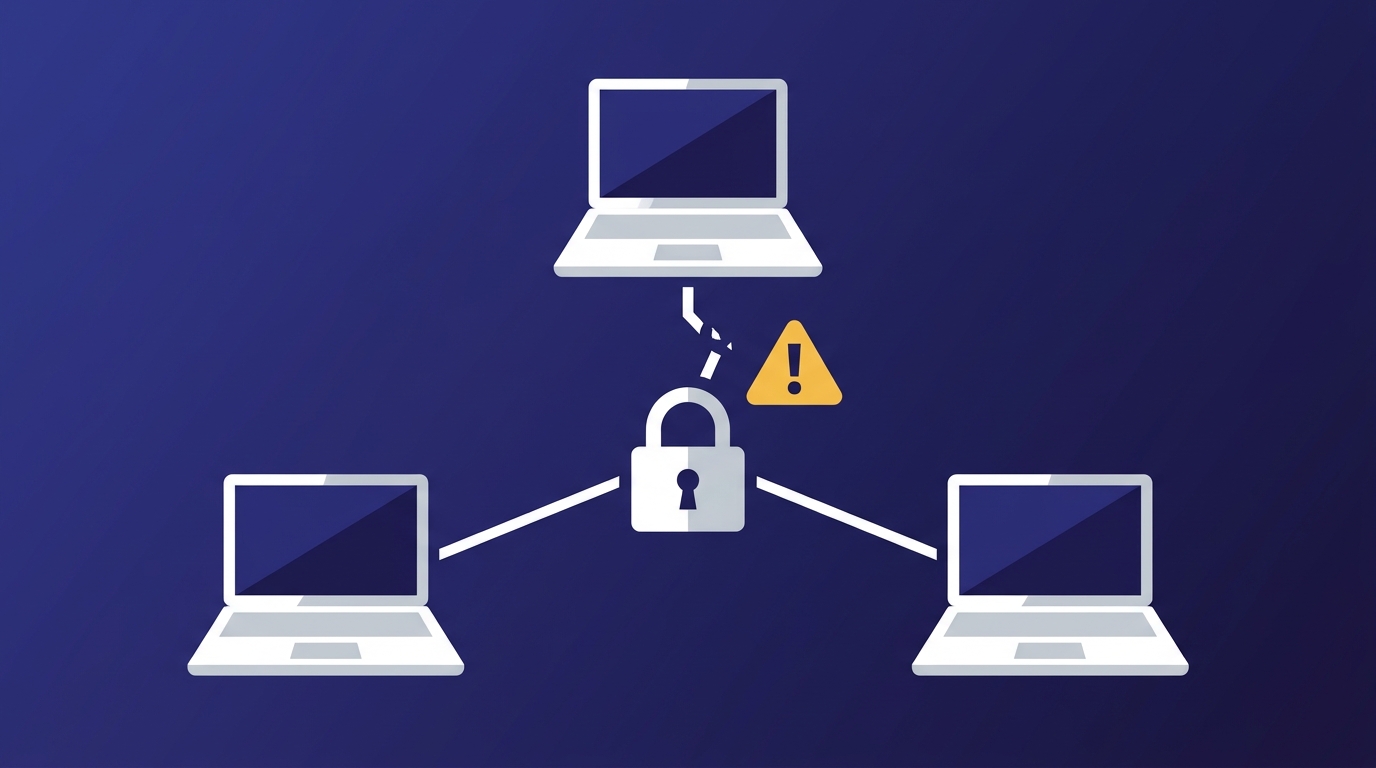
When you start selling under your own domain, sharing the password to sales@ among three team members feels like a clever hack. It's free and it holds up for a couple of weeks.
Then reality hits on a Sunday at 11 PM: Google or Microsoft flags simultaneous logins from three different IP addresses, locks the account for suspicious activity, and demands an SMS verification code sent to a partner who is sound asleep.
During the week, the other shoe drops: someone opens a hot sales lead, marks it as read, and no one else ever notices it. That lead ends up buying from a competitor simply because nobody replied all day.
Sharing passwords isn't organization; it’s operational negligence.
The market options and what they actually cost
When you search for dedicated tools to fix this, you run into three main paths.
1. Traditional help desk software
Platforms like Zendesk or Freshdesk were built for enterprise call centers with eighty people fielding support tickets.
A customer writes in with a simple question about a quote and gets back an automated email: "Your request #84920 has been received." For a small business or a professional firm, that creates an unnecessary, impersonal barrier. On top of that, it forces your team out of their regular email setup into heavy dashboards packed with SLA metrics, endless toggles, and complex workflows that slow down day-to-day work.
2. Overlay apps on top of Gmail or Microsoft 365
Tools like Front or Missive sit on top of the email accounts you already pay for. They are the most complete option for working as a team: assigning a message to someone, leaving internal comments, tracking how long replies take.
The catch is that you pay for every person twice: once for the mailbox at Google or Microsoft, and again for the license of the tool on top. For a team of four, Google Workspace alone runs between $28 and $34 a month (Business Starter: $7 per person on the annual plan, $8.40 month to month), before the first overlay license.
3. Business email with native shared inboxes
Here there is no second tool. The shared inbox lives on the same server as the rest of your email, and each person on the team gets in with their own access: nobody shares a password, and removing someone doesn't mean changing it for everyone else.
That's how it works in Duobox: sales@ is one inbox that several people open, each with their own login. To see how it's set up, read how a shared inbox works in Duobox: one account, multiple logins.
| Approach | What your customer sees | What you pay | What it doesn't do |
|---|---|---|---|
| Shared password | A normal email | Nothing extra | Security lockouts, and nobody knows who replied |
| Help desk | An email with a ticket number (#4812) | Per seat, and it adds up | Feels like a call center; your team leaves its email |
| Overlay (Front, Missive) | A normal email | The mailbox plus a license per person | Two platforms to pay for and keep in sync |
| Duobox shared inbox | A normal email from sales@ | $2 per person per month; the first one is included | No assigning, internal comments or response-time tracking |
What to check before you choose

1. Everyone gets in with their own access
If the tool still needs a shared password, it doesn't fix the problem you started with. Each person should log in on their own, and the whole team should see the same state of the inbox: in Duobox, when Laura opens a message, Sergio sees it as read, and if someone files it in a folder, it moves for everyone.
What it doesn't do is mark who is handling each conversation. If your team needs to assign messages and measure response times, Front or Missive do that, and they are worth what they cost.
2. The reply comes from sales@
If a customer writes to sales@, the answer has to come from sales@.
With Gmail delegation or improvised aliases, the customer often sees a messy header: John Doe <john@mycompany.com> on behalf of sales@mycompany.com. That undercuts exactly the image you were after when you decided to stop sending quotes from Gmail and set up business email for your team.
3. An agent that helps without answering on its own
Half of what lands in a shared inbox repeats itself: price lists, opening hours, payment confirmations. An agent can draft those replies, connected through MCP, and leave them waiting for a person's OK. Sending without that OK is a permission you turn on per inbox, not the default. To set it up properly, read how to add an agent to your email without it giving bad replies to your customers.
Running team email on your own domain doesn't take an IT department or a license on top of every mailbox. It takes an address the whole team can open, each person with their own access, and replies that come from the address your customer wrote to.